
INDIVIDUAL INSTALLS + UPGRADES
ONE PIECE.
BIG DIFFERENCE.
Already have a simulator—or just need to start with one part? Get help choosing and installing the upgrade your setup is missing.
YOUR SIM.
YOUR NEXT MOVE.
You don’t need to plan a whole room to make progress. Simworks can quote an individual installation or upgrade, whether you’re adding one component to an existing setup or starting with a screen and hitting area.
Tell us what you already have and what you want to add. We’ll plan the pieces around your setup and quote the scope you choose.
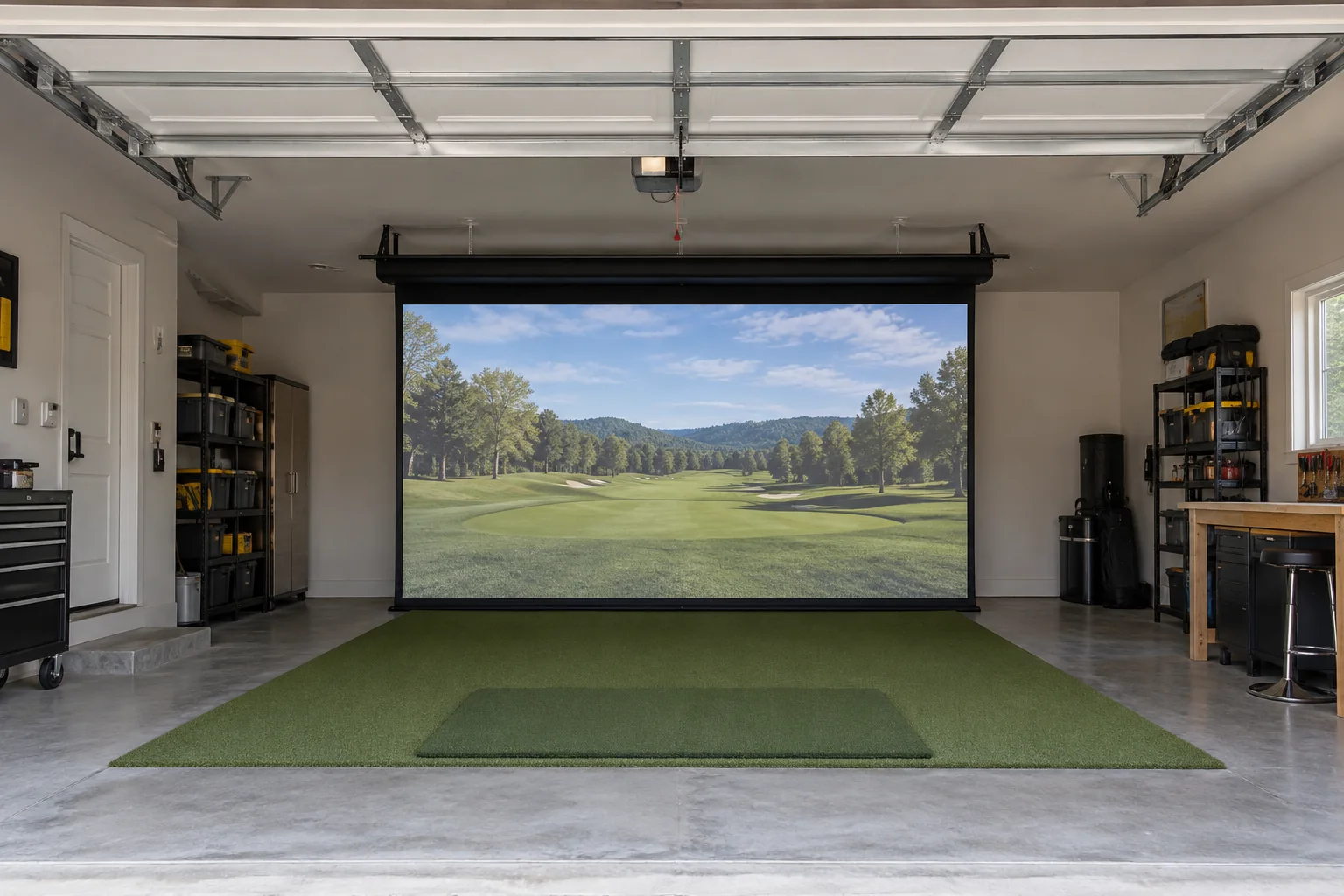
SCREENS
Plan and install an impact screen for your space, including options for fixed or retractable arrangements. We’ll discuss the opening, mounting approach, and how you want the screen to store.
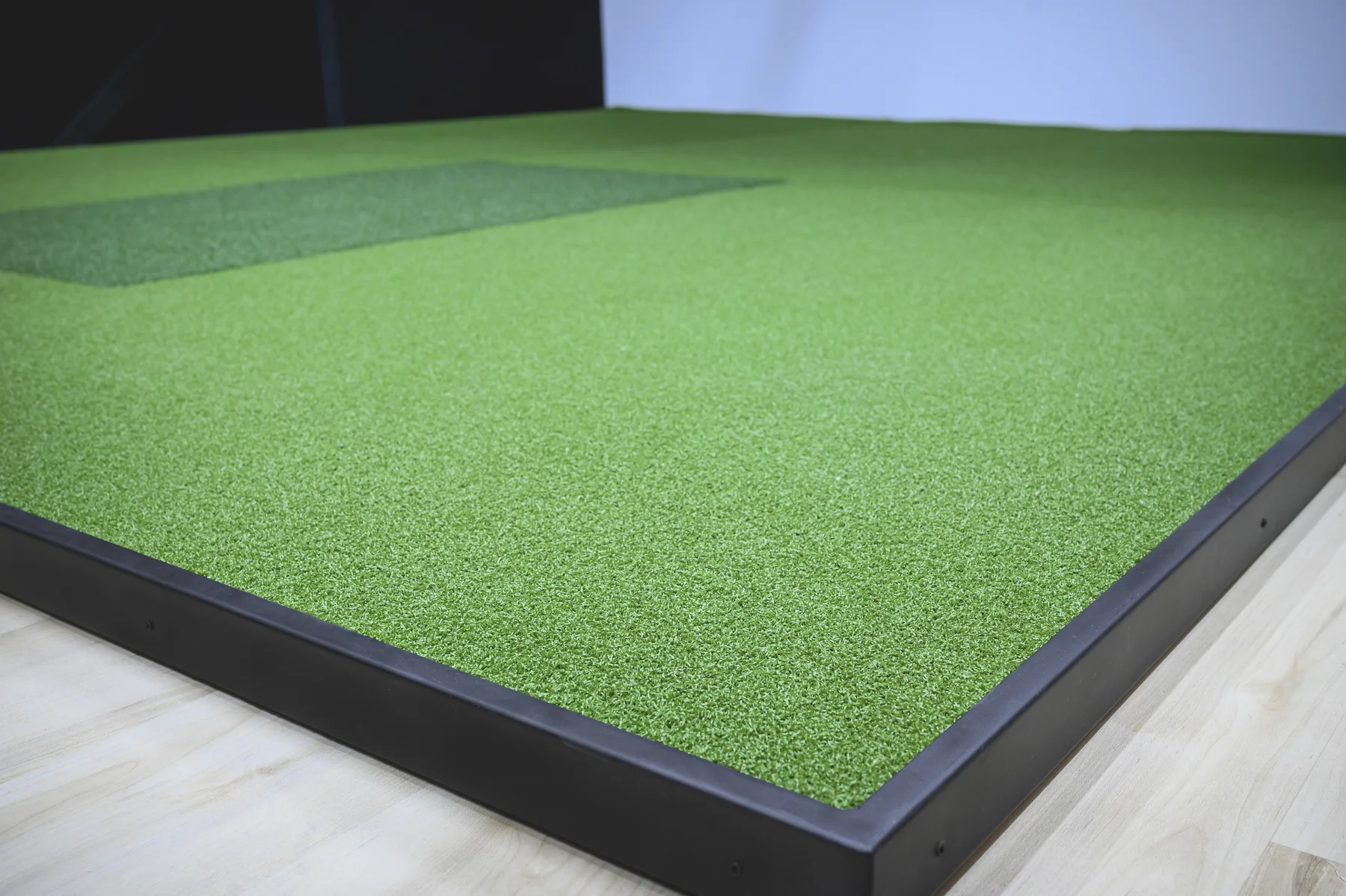
TURF + HITTING AREAS
Add turf flooring, define a stance area, or plan a surface around the hitting mat you already use. The right approach depends on your room and how much area you want to cover.
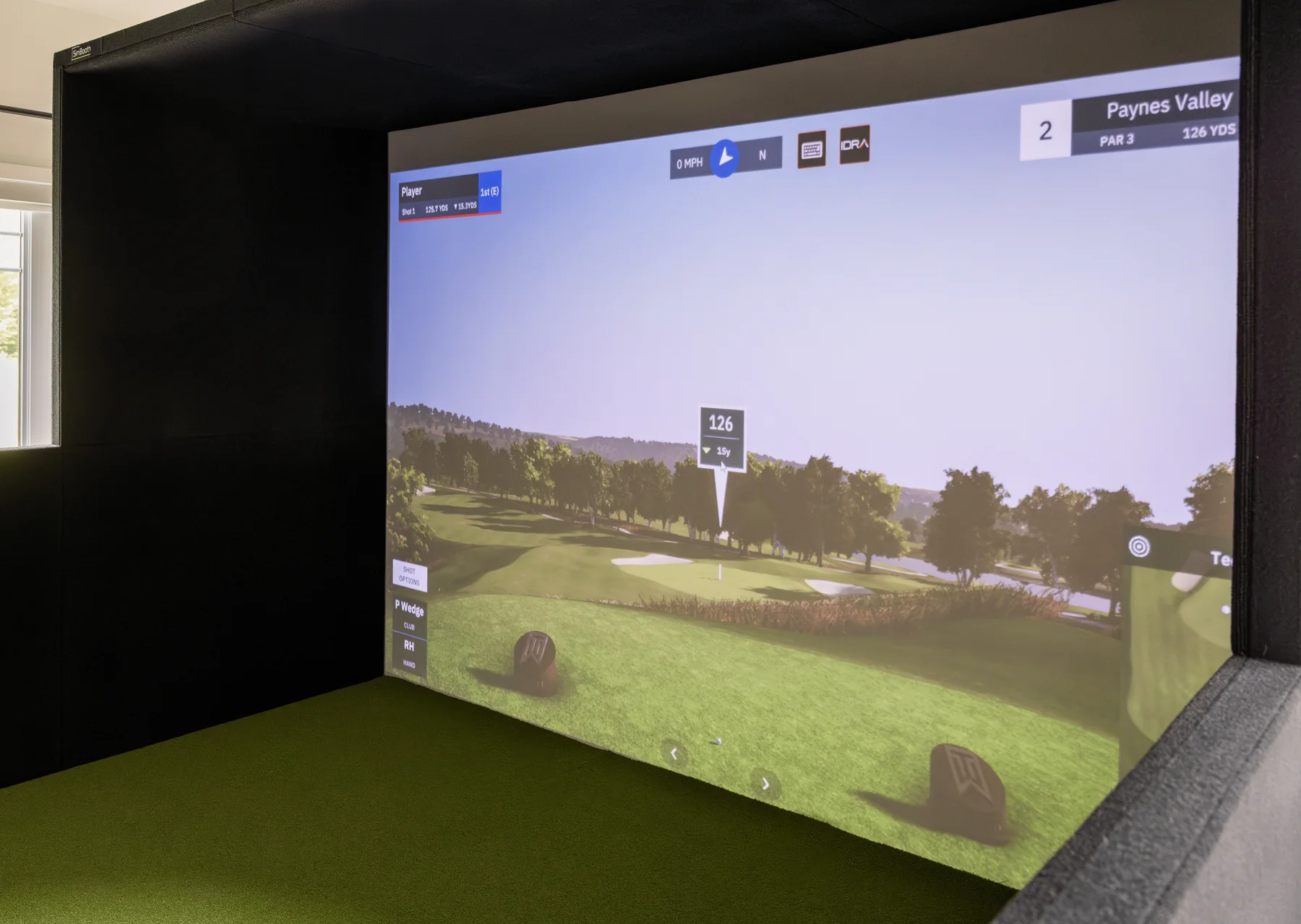
ENCLOSURES
Explore enclosure options to frame the hitting area and manage side protection. We’ll consider the room dimensions and the components you already own.
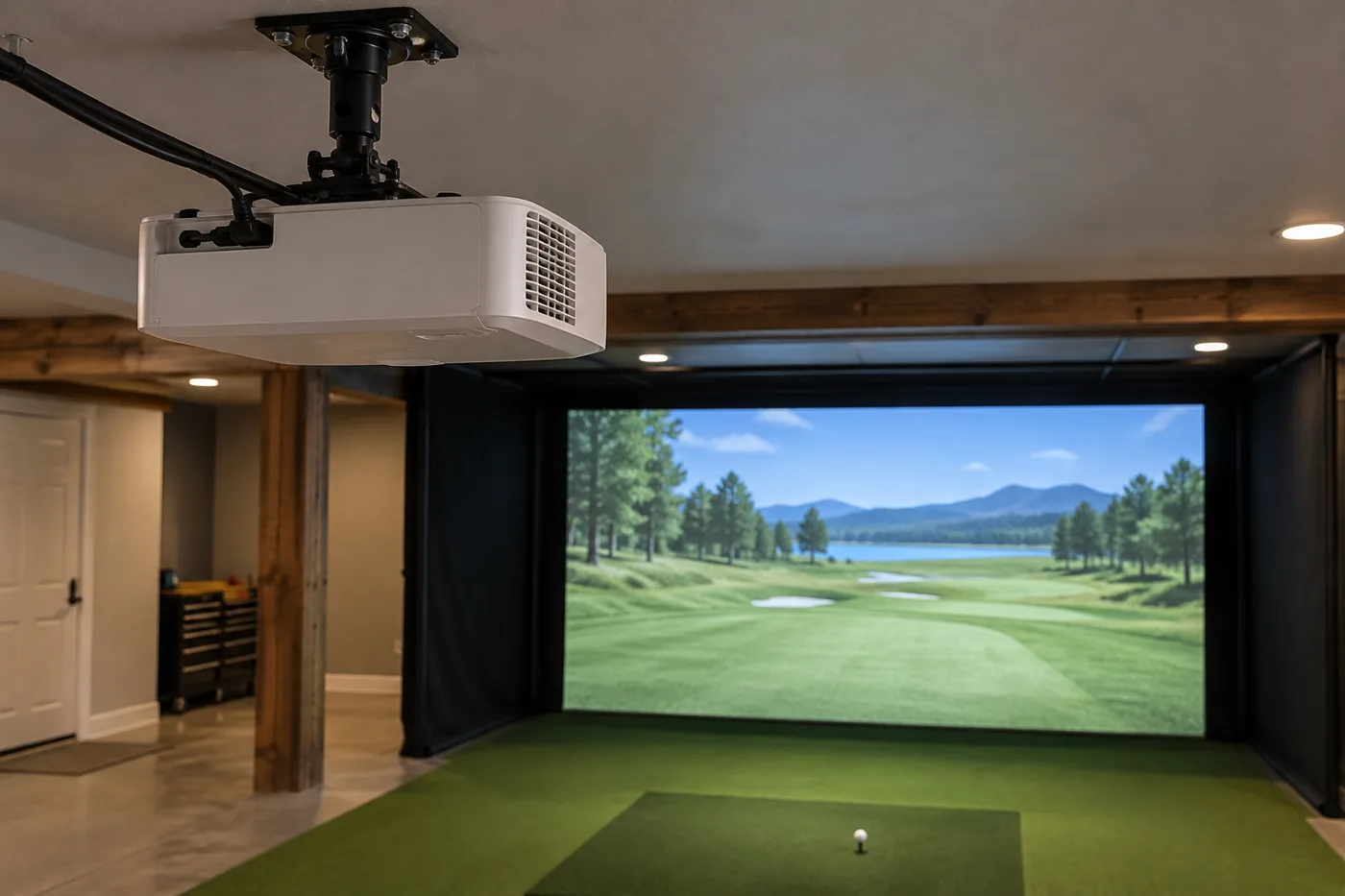
PROJECTORS
Plan a projector installation around the screen, throw distance, ceiling, and mounting needs. Share any existing simulator equipment so the setup can be considered as a whole.
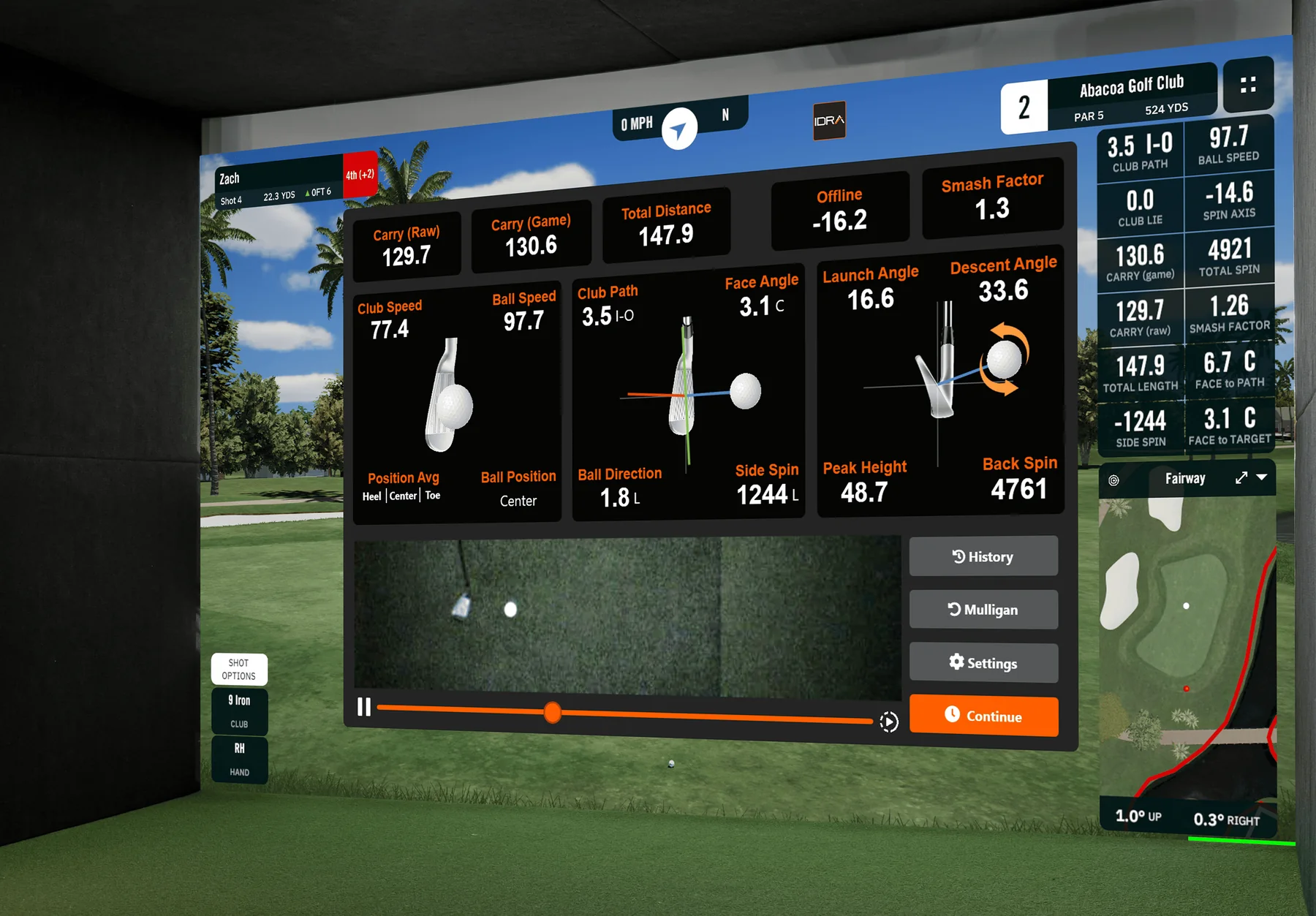
LAUNCH MONITORS
Plan a launch monitor around your hitting position, screen, projector, and software. We can discuss compatible options, placement, and installation for your setup.
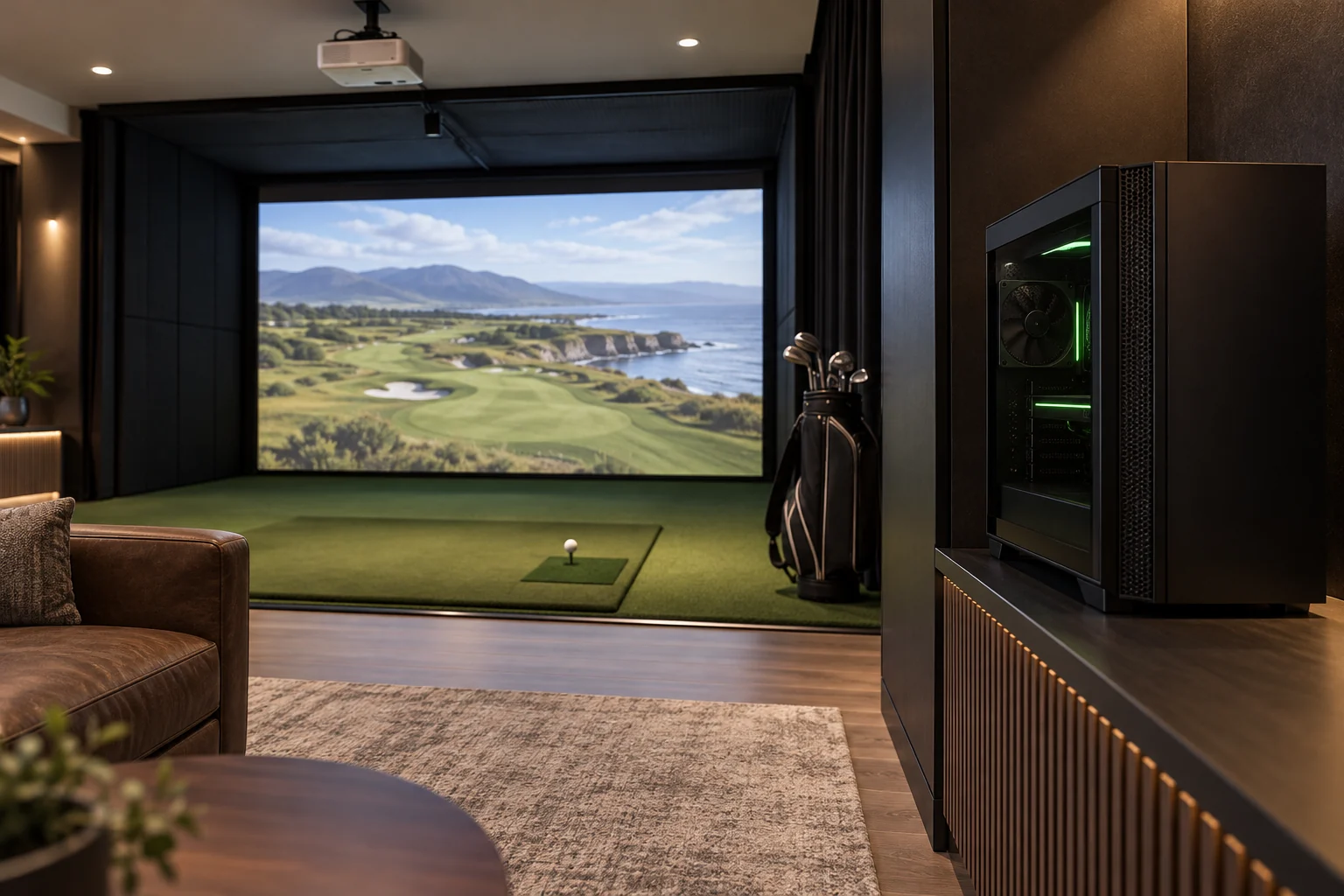
SIMULATOR PCS
Plan and install a simulator-ready PC suited to the software, launch monitor, and display in your setup. We’ll discuss compatible options, placement, connections, and how it fits with your existing equipment.
ALREADY HAVE SOME OF THE GEAR?
KEEP WHAT WORKS.
ADD WHAT’S MISSING.
Let us know what equipment is already in place and what you want to improve. We can discuss the installation you need without turning it into a full-room project.
ONE UPGRADE.
A CLEAR NEXT STEP.
Start with the piece you want installed. We’ll help scope it.
TELL US WHAT YOU HAVE
Share the room, existing equipment, and the upgrade you’re considering.
REVIEW THE OPTIONS
We’ll talk through the installation details and equipment options for your project.
GET A QUOTE
Materials and labor are quoted for the agreed scope.
NO FULL BUILD REQUIRED.
WHAT DO YOU
WANT TO ADD?
A screen, some turf, a projector—or something else? Tell us where you want to start.
Serving Greater Charlotte and North Carolina’s High Country.